
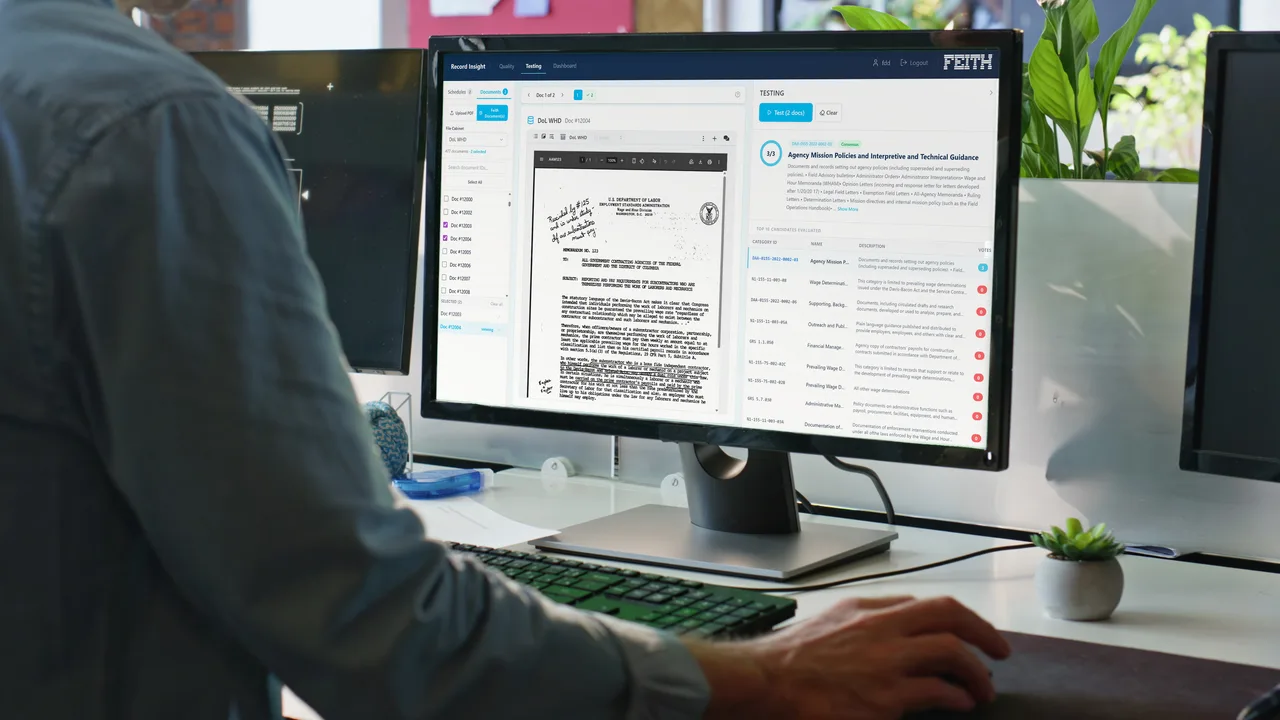
Custom AI prompts, run where your records live.
Prompt Runner takes a plain-English instruction and runs it across a whole record set, extracting metadata, classifying content, reading records against policy, and triaging what comes in. The model runs inside your security boundary, so the records never leave to be read.
One prompt. Thousands of records.
Your team writes plain-English instructions that behave like modular classifiers and extractors, with no code, no model training, and no rules to write. Each result is written straight back as record metadata.
- Reads complete documents end to end, so it works on contracts, invoices, and forms whose layout varies.
- Normalizes what it extracts: dates land in one format, currencies parse, names match your taxonomy.
- Reads each record against your policy stated in plain English: the model does the interpretive reading, and deterministic rules make the calls that must be exact and repeatable.
- Triages what comes in by urgency, topic, and target team, so the workflow can route it to the right queue, dashboard, or reviewer.
- Works retroactively: surfaces metadata that was locked inside records captured years ago.
The model comes to where the records live.
Prompt Runner runs your prompt against records already in the vault, with a language model you've authorized running inside the same boundary. Nothing is exported to be read; the structured result is written straight back.
Your model, your boundary
Bring your own LLM. Prompt Runner runs it inside the boundary your records already live in: Azure Government, AWS GovCloud, on premises, or an air-gapped enclave. Records are never sent to a public AI service.
Reads whole records
Layout doesn't matter: it reads the document itself, not a set of fixed field positions.
Auditable by design
Every run writes to the audit trail, and you can route low-confidence results to a person before anything is committed.
One step, three ways to run it.
Prompt Runner is the AI step: run it by itself or drop it into a larger Workflow iQ process.
On demand
Point Prompt Runner at a record set, write a prompt, and run it once to backfill the metadata you wish you'd captured.
On arrival or on a schedule
Set a prompt to run on any object that lands in a file cabinet, or on a schedule. It is configured in Prompt Runner itself, so fresh records are enriched the moment they land with no workflow to build.
As one step in a workflow
Drop Prompt Runner in as the AI step inside a Workflow iQ workflow. It reads, classifies, or extracts, then hands the result to the next step.
See Workflow iQ ›Metadata extraction, use case by use case.
The same engine, pointed at a different record set with a different prompt. A few of the jobs it can run:
Invoice number, date, total due, payment status
Payables match and reconcile without manual keying.
Issue type, urgency, location
Tickets route to the right queue; SLA compliance climbs.
Risk indicators, personnel involved, measures taken
Speeds compliance reporting and root-cause analysis.
Meaning read from handwritten field notes
Researchers get searchable access far sooner.
Serial numbers read from equipment photos
The asset database updates in near real time.
Creator, creation date, identifier, record schedule
Zero-click NARA compliance the moment a record lands.
Five more AI capabilities, one platform.
Each shares the same permission model, the same audit trail, and your choice of large language model.
Record Insight
Categorize records against your retention schedule, with the reasoning shown.
See the deep-dive 03AI Dashboards
Build dashboards and analytics on records activity from a plain-English brief.
See the deep-dive 04Ask Me
Chat with your records: permission-aware, and cited to the source.
See the deep-dive 05AI Redaction
FOIA, PII, and CUI redaction suggestions, with reasoning, reviewer-approved.
See the deep-dive 06Feith MCP
Connect Claude, Copilot, OpenAI, or in-house agents to your Feith content.
See the deep-diveTurn the metadata you wish you had into metadata you have.
Request received.
Thanks. We'll reach out to set up your Prompt Runner walkthrough.