
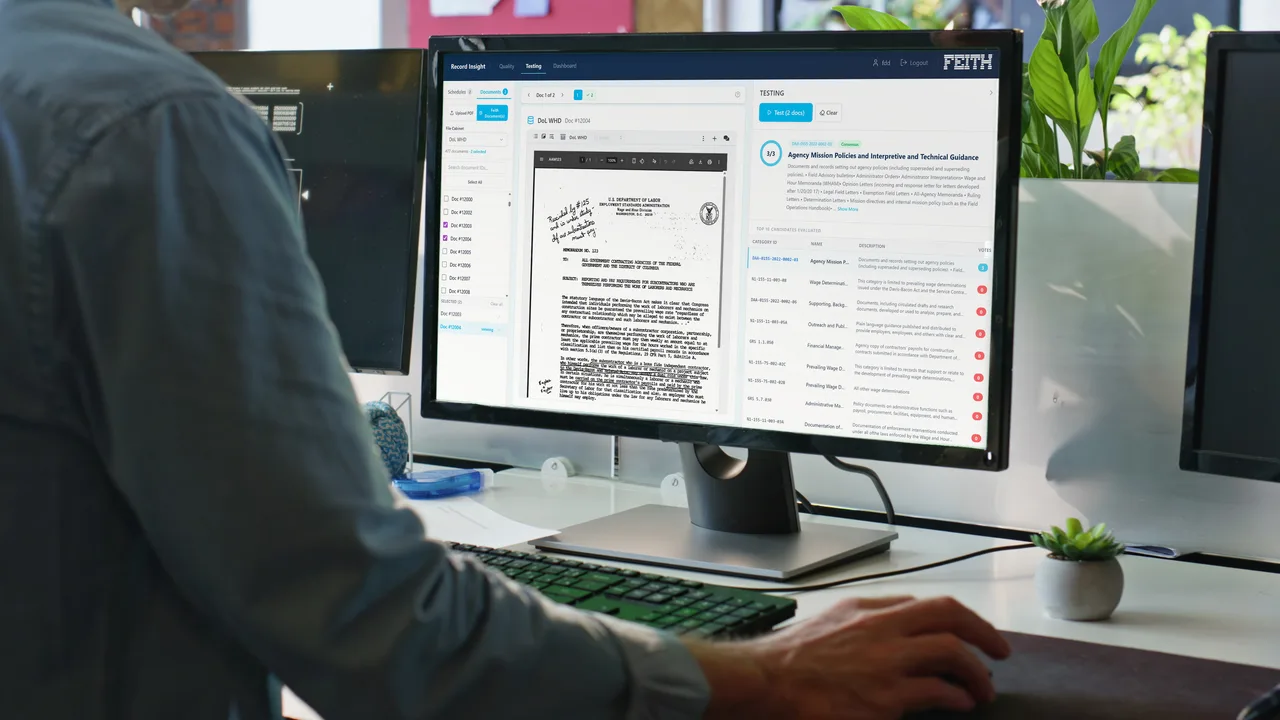
Your AI tools, connected to your records.
Feith MCP exposes the platform to the AI tools your team already uses (Claude, GitHub Copilot, OpenAI products, and your own in-house agents) over Model Context Protocol, the open standard for AI-tool integration. Each one runs with the user's permissions and queries your governed content directly.
Your AI works everywhere except your records.
Agencies are standing up Claude, Copilot, and ChatGPT for their teams. Those tools live outside Feith, so the records that matter most are the one thing they can't see, and the usual workarounds quietly break the governance you built.
Your AI lives outside Feith
The assistants your team relies on can't reach your governed content, so they help with everything except the records that matter.
Copy-paste breaks governance
The workaround is pasting records into a chat box, where sensitive content sits ungoverned, unlogged, and outside your permissions.
One-off connectors don't last
Hand-building a custom integration for each AI tool is brittle, and it breaks the moment the tool (or the model behind it) changes.
The one capability that points outbound.
Where the other five capabilities bring AI into Feith, Feith MCP sends Feith out to wherever your AI already lives. The external tool runs with the user's permissions and inherits the same permission model, and every call it makes is written to the audit log.
- Speaks the industry standard: MCP is how modern AI assistants connect to external content, and Feith speaks it as a first-class platform surface.
- Inherits your permission model: the tool runs with the user's permissions and is scoped to that user's access, nothing more.
- Sits alongside your other sources: because it speaks the same protocol as the tool's other connections, your AI can combine a Feith answer with the rest of what it can reach.
Your AI asks. Feith answers, under your governance.
The connection runs over MCP. Your tool runs with the user's permissions, Feith returns only the records that user is allowed to see, and every request is logged, so outbound access is as accountable as everything else in the platform.
Where the connected tool runs decides where the answer goes. An in-boundary agent or an on-enclave client keeps everything inside your accreditation; a commercial assistant receives what your query returns, under your own agreement with that vendor. Either way Feith enforces the same permissions and writes the same audit entry.
Bring your own AI
Connect the assistants your team already uses, with no rebuild and no new tool to learn. They keep the same workflow and gain one new source.
Governed like a Feith user
The tool inherits the same permissions as the person using it, so it can never reach a record they couldn't open themselves.
Every call on the record
Each request your AI makes lands in the same audit log as everything else, so an outside tool leaves the same defensible trail an employee would.
One protocol, every assistant.
Any MCP-capable client can connect, and each one queries Feith under the same governance.
Native MCP connector
Query governed records without leaving the desktop app.
MCP server endpoint
Feith content pulled in alongside code context.
MCP connector
Governed answers inside the chat your team already uses.
MCP client, your build
Your own agent queries Feith under the operator's permissions.
Five more AI capabilities, one platform.
Each shares the same permission model, the same audit trail, and your choice of large language model.
Record Insight
Categorize records against your retention schedule, with the reasoning shown.
See the deep-dive 02Prompt Runner
Run custom AI prompts across record sets for extraction, routing, and reasoning.
See the deep-dive 03AI Dashboards
Build dashboards and analytics on records activity from a plain-English brief.
See the deep-dive 04Ask Me
Chat with your records: permission-aware, and cited to the source.
See the deep-dive 05AI Redaction
FOIA, PII, and CUI redaction suggestions, with reasoning, reviewer-approved.
See the deep-diveBring your own AI. Govern it like a Feith user.
Request received.
Thanks. We'll reach out to set up your Feith MCP walkthrough.